

Web now compiles to WebAssembly

Flutter 3.47 in the kit, with the app compiling via flutter build web --wasm: up to 2x faster on screens with heavy animation, with an automatic fallback to JavaScript on browsers without support.

The blocker for Wasm was bart, the third-party library handling the app's bottom bar and sidebar. We replaced it with go_router's own native navigation (the same pattern already used in the Admin console), no forked dependency, no workaround.

The gain is real and comes from two places: the compiler (dart2wasm) already speeds things up on its own, no configuration needed. The extra multithreaded rendering gain (skwasm) requires server headers that can interfere with social login via popup, so that stays a documented, manual opt-in rather than a forced default.

This only applies to projects created from now on (kasy new). Existing projects keep building with JavaScript until we design an upgrade path.

  • Up to 2x faster Measured by the Flutter team itself on screens with heavy widget rebuilds.
  • No risk if you don't opt in --wasm is optional; the default build stays JavaScript, no behavior change.
View documentation

Background location

GPS keeps updating even with the app closed or minimized, a standalone module, pluggable into Drive.

New standalone module: background tracking for iOS and Android, with no dependency on Drive. If Drive is also in the project, it's used automatically. No paid library, built on top of the geolocator package already in the kit.

  • Works on its own Doesn't need Drive, usable in any app that needs to know the user's position outside the app.
  • Wires into Drive automatically With both modules active, Drive starts tracking in the background with nothing else to configure.
Enables the module, with native permissions already configured.

View documentation

100% modular kit

Every Kasy feature works on its own. Pick exactly what you want to use, and remove it later without worrying about breaking the project.

Auth, Settings, Push, and the rest of the modules stopped being a closed package. Turn one off and the app gets a minimal stub in its place, with no leftover import or route. Social login (Google, Apple, Facebook) only shows up on screen when the provider is actually configured.

  • You decide Quick or Advanced, choose exactly what goes into the project, across all three backends.
  • Remove with no surprises Turning a module off later leaves no orphan import, route, or dead button behind.
Already have the project? Sync core.

View documentation

Drive

Full driver and passenger flow, ready like a ride-hailing app.

Mapbox map, server-side price estimate, and Kasy-standard UI. iOS, Android, and Web across all three backends.

  • Two roles Passenger and driver with onboarding and history.
  • One command kasy add drive enables the module with Mapbox configured.
Already have the project? Sync the module.

View documentation

Kasy MCP

40+ tools in chat. AI uses the real Kasy CLI, no improvised structure.

Cursor, Claude Desktop, and other compatible IDEs. Ask to prepare your machine, create the app, or add a feature.

  • 40+ tools Project, deploy, branding, kanban, and more.
  • One installer curl kasy.dev/install sets up CLI and MCP together.
Updates the CLI and MCP together.

View documentation

Home-screen widget

Native iOS and Android widgets, kept in sync with app state.

Ready native extension, background updates, and App Groups on iOS. Enable with kasy add widget.

  • iOS and Android Same kit contract without rewriting native code from scratch.
  • Synced The widget reflects real app data such as active subscription.
Already have the project? Sync the module.

View documentation

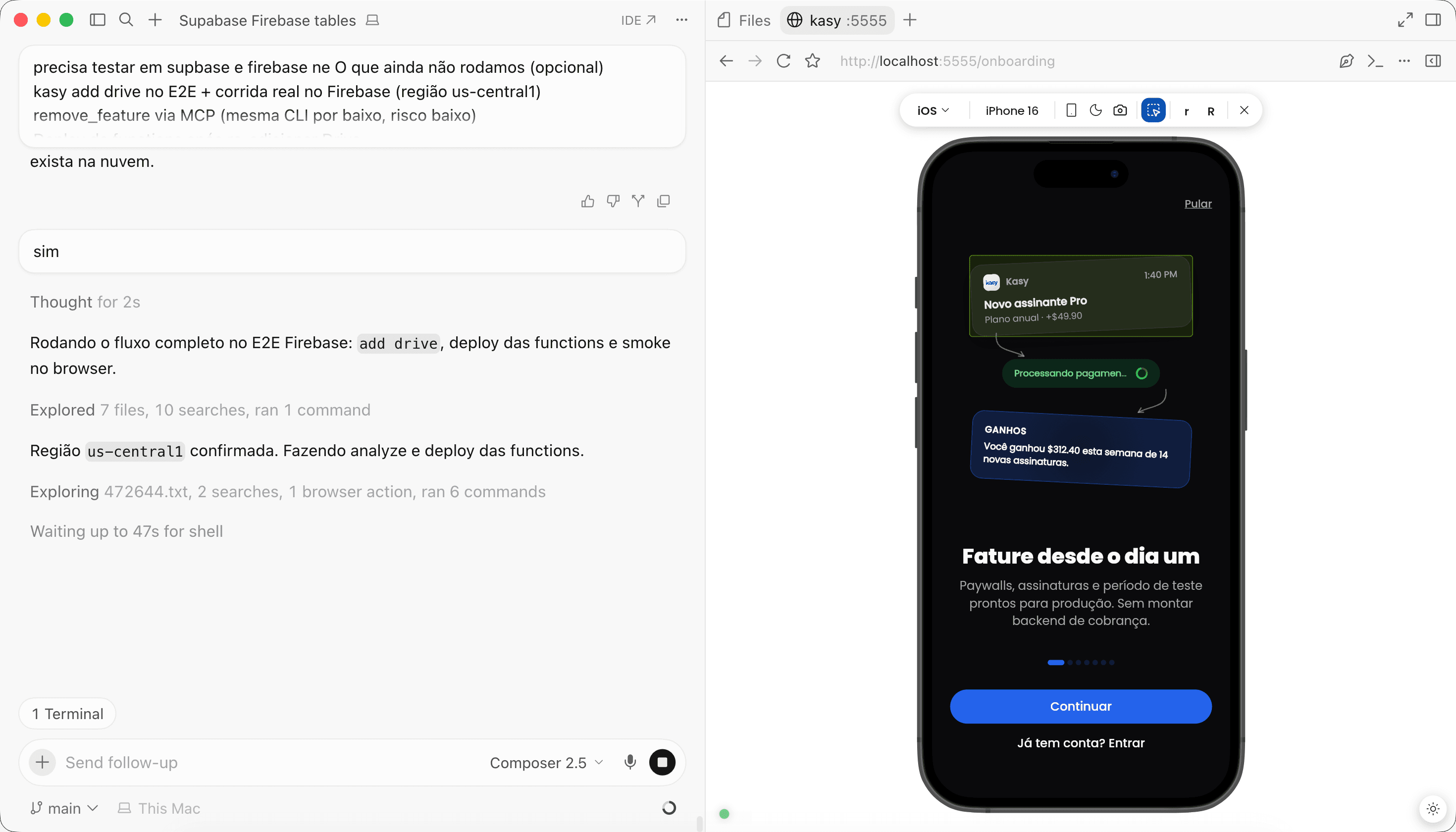
Preview Device

Build and inspect your app in the browser with real device fidelity.

Switch between iPhone, Android, iPad, and Desktop without leaving the editor. Auth, onboarding, and guest follow the native flow.

  • Four profiles iPhone, Android, iPad, and Desktop.
  • In the browser Runs with kasy run --web in every generated project.
Kasy Preview Device in the browser
Included in the latest CLI.

View documentation

CLI v1.79.2·MCP v0.21.0